Reinforce good habits and correct risky behavior right at the point of action.
Features and Capabilities
Hear from KnowBe4 Customers Who Are Changing Risky Security Behavior
"SecurityCoach notifications are a reminder that policies exist for the good of the organization and staff."
Get a tailored demo for your organization, to see how you can achieve the same type of results.
Features and Capabilities
Delivering the Right Coaching When It Matters Most
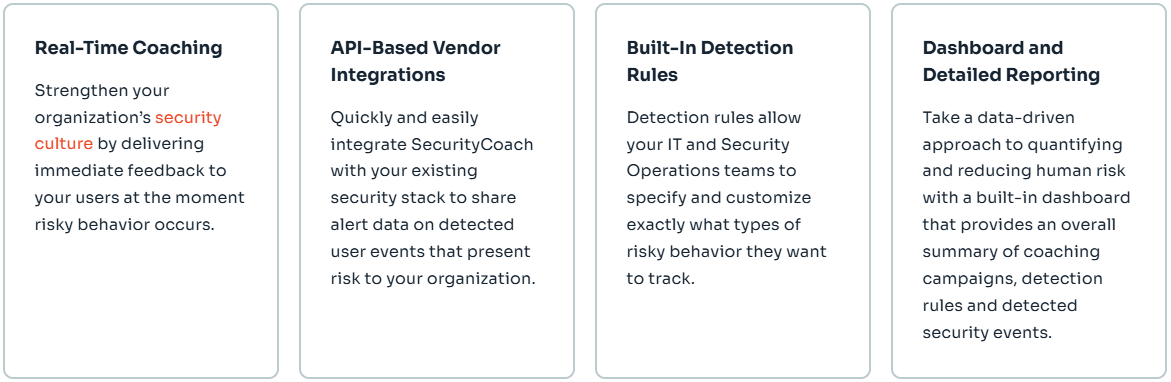
Real-Time Coaching
Real-time coaching campaigns allow you to coach your users about risky behavior in real time. When risky activity is detected, your users will receive a SecurityTip about the activity and how to avoid it in the future, strengthening your organization’s security culture.
SecurityTip Notifications
At the moment risky behavior is detected, SecurityCoach sends a real-time SecurityTip directly to that user via Microsoft Teams, Slack or email. With over 200 SecurityTips covering 60 different topics in 34 different languages, these immediate notifications serve as a powerful reinforcement to your security awareness training program.
Rule-Based Automation
Based on the rules in your existing security software stack and defined high-risk users or roles, you can configure your real-time coaching campaign to determine the frequency and type of SecurityTips risky users will receive.
API-Based Integrations
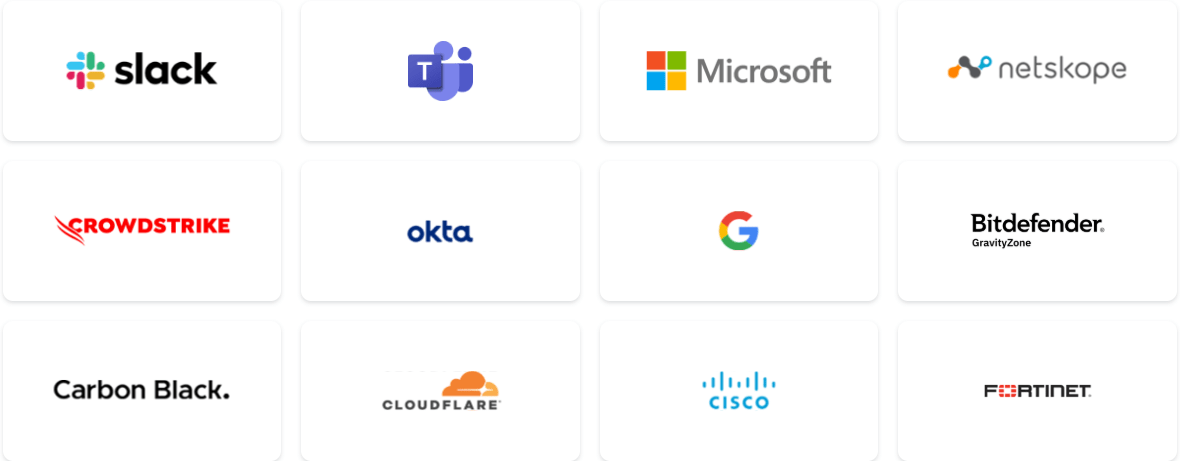
Utilize vendor APIs to quickly and easily integrate with your existing security stack vendors, such as CrowdStrike, Microsoft, Cisco, Netskope, Zscaler and more. Our ecosystem of technology partnerships is rapidly expanding to support our customers and strengthen the human firewall.
Built-In Detection Rules
Detection rules specify what risky activity you want to track using the data provided by your integrated security vendors. SecurityCoach recommends rules based on common security topics in order of priority, with Very High and High Risk activity rules being ranked first.
Campaign Recommendations
SecurityCoach recommends real-time coaching campaigns best suited for your detection rules. You can select SecurityTips from different categories of risky behavior.
Dashboard & Detailed Reporting
The SecurityCoach dashboard provides an overall summary of coaching campaigns, detection rules and detected security events. Detailed reports provide insight into your organization’s security risks and help track trends in your users’ risky activity over time.